Unlimited verified B2B
contacts for your AI
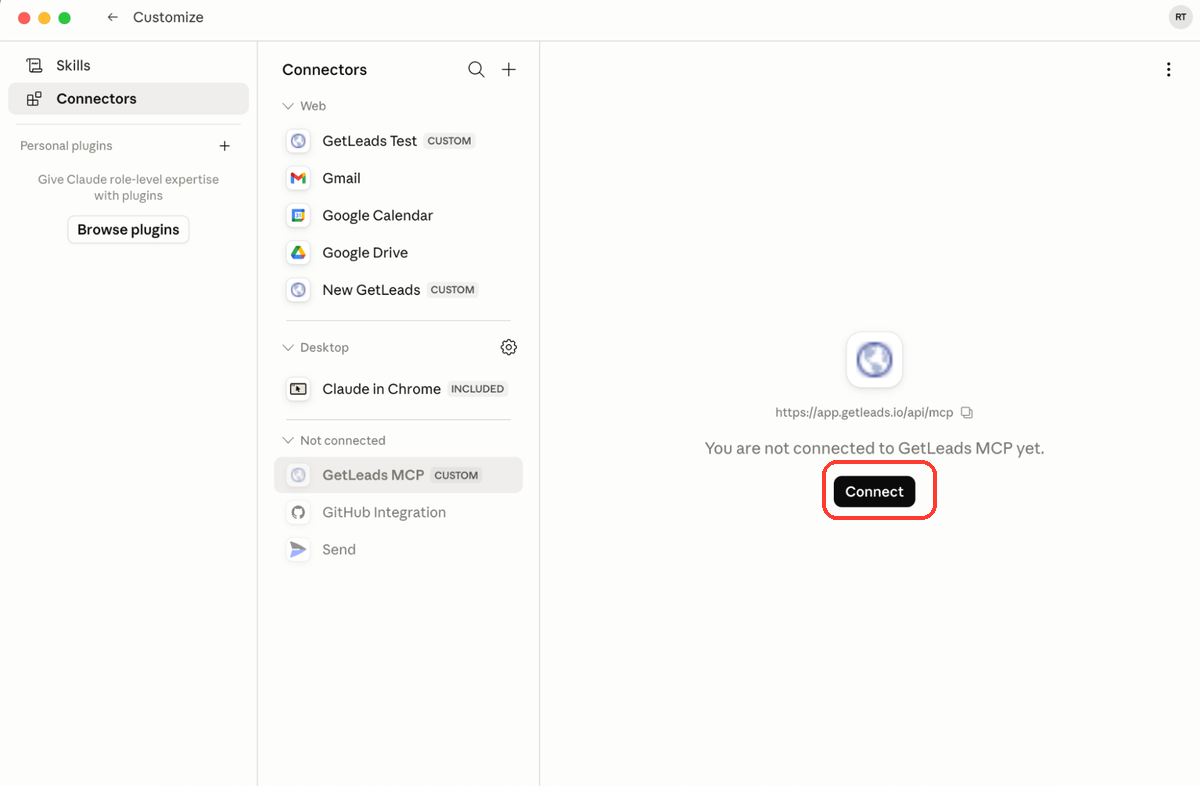
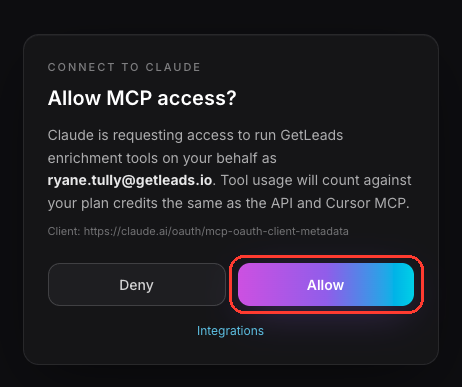
Claude/ChatGPT/API access to 542M+ B2B contacts with endpoints for: people search, email & phone enrichment, profile lookups, and much more.


 Nick Abraham,
 Eric Nowoslawski,
 Michel Lieben and
 Cody Schneider love GetLeads
95 fields per lead
Green fields are searchable. Every field shown can be requested in your results. Availability varies by record.
The entire personal profile, every past job included, structured into clean fields, not just a name and a title.
Contact and company data is refreshed monthly.
125M+ work emails, 136M+ personal emails & 88M+ mobile numbers, available where populated.
Clean, typed, MCP-native. Your agent reads it directly, no exports or dashboards.
Pull everyone who liked or commented on a post and turn them into a list.
The complete HTML of each contact's company site, ready for your agent to parse.
A fresh list every morning of who started a new job, so you reach them first.
Scrape companies' open job posts and build targeted lists from who's hiring for what.
Every local business on the map, with the generic emails listed on its own website.
See the pipeline your competitors are building. Private - available to a small group on request.
See GetLeads in action
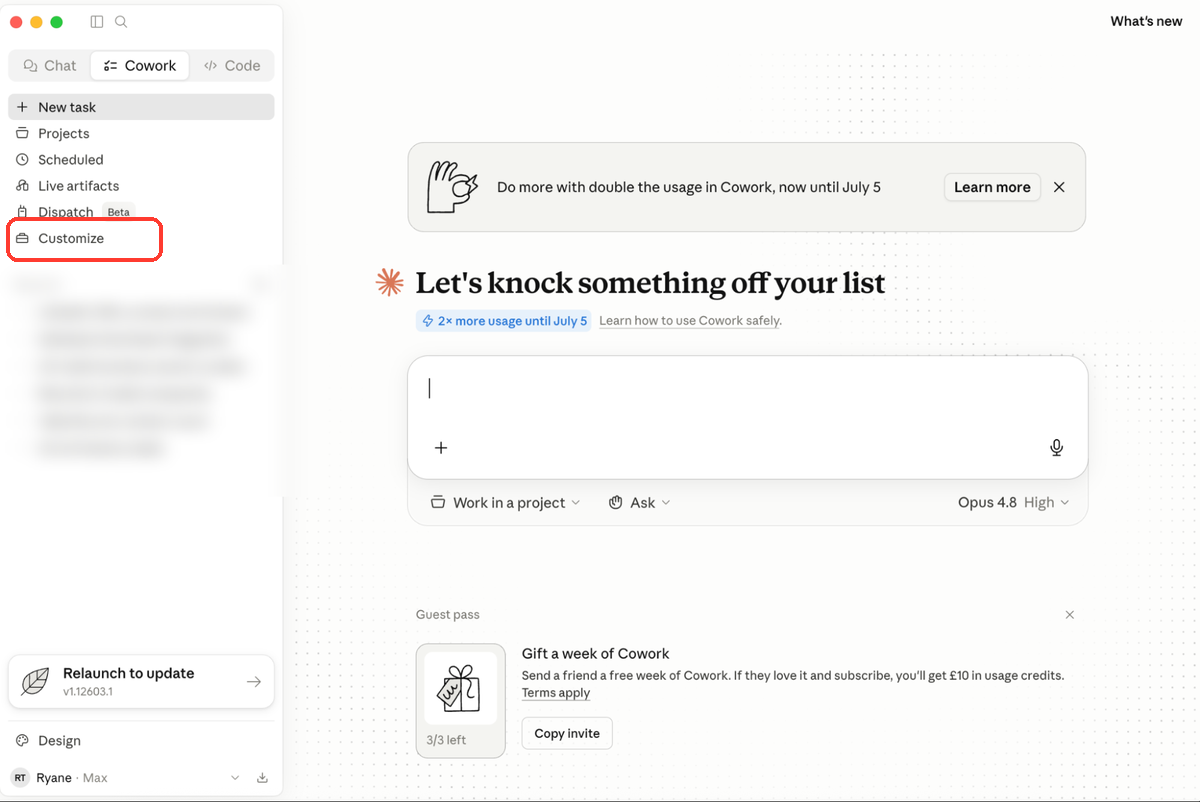
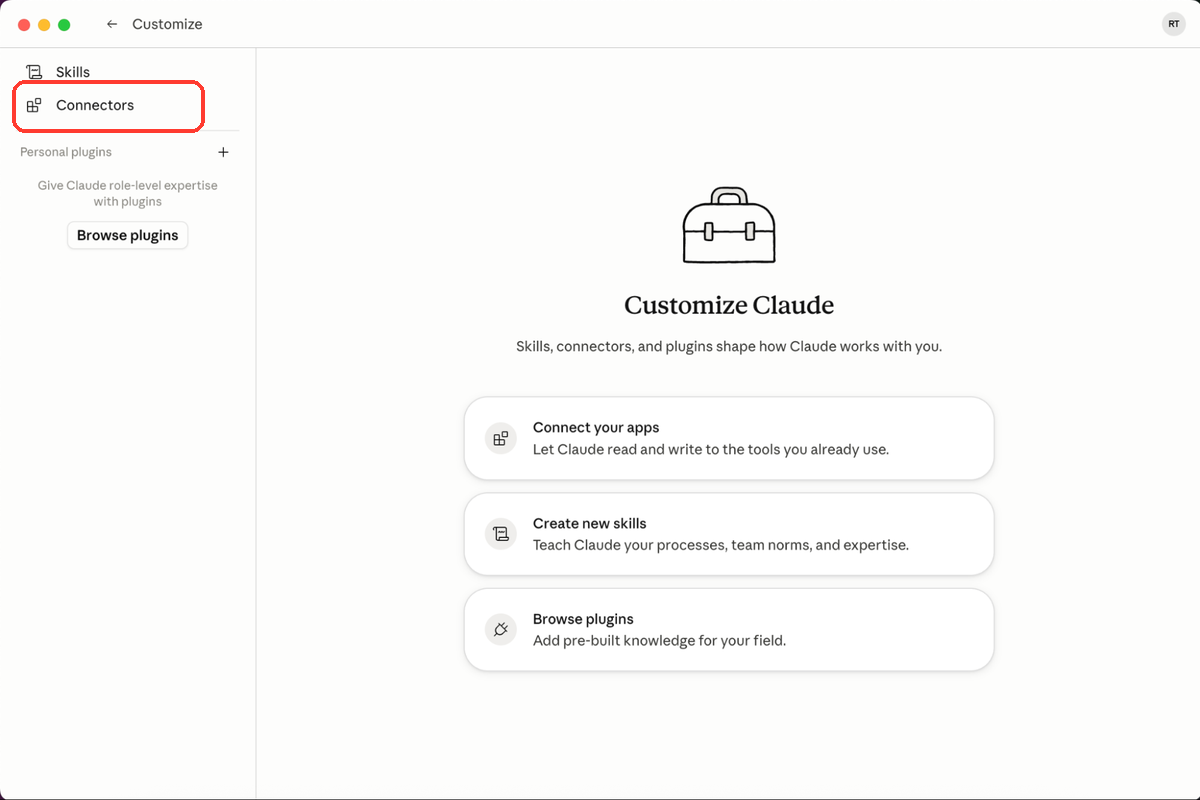
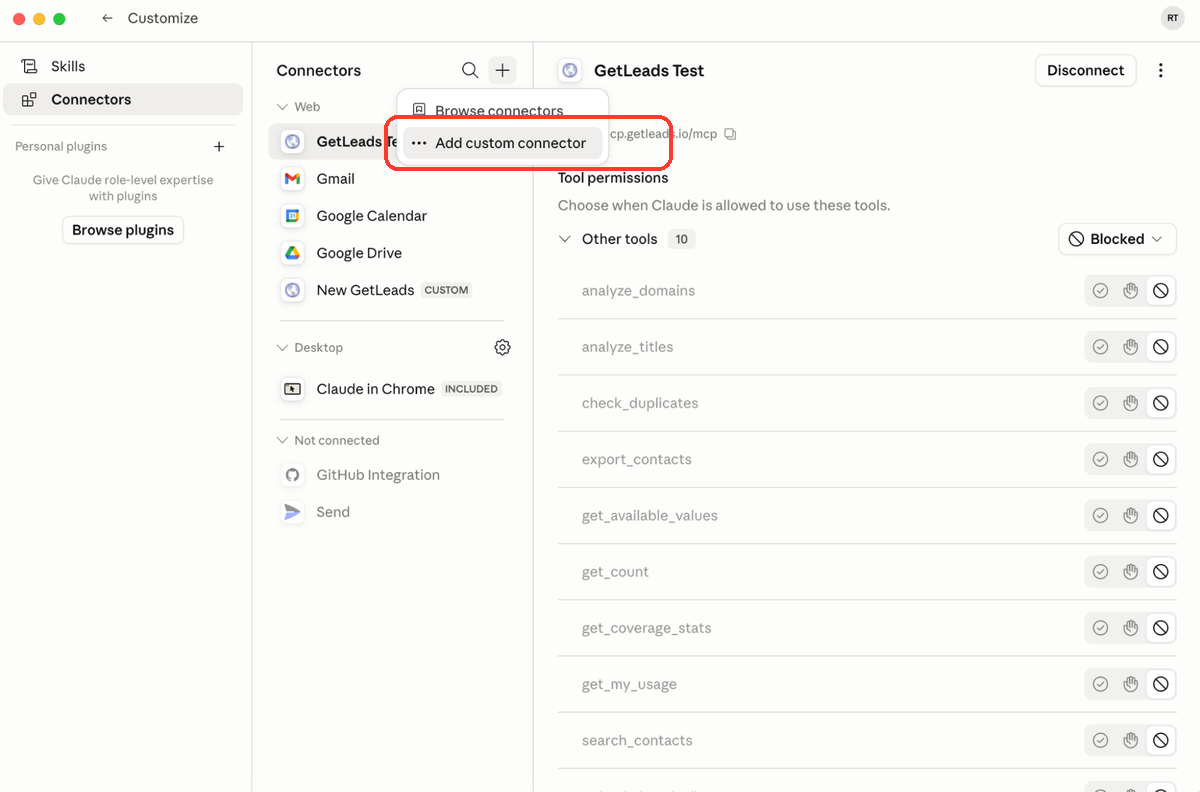
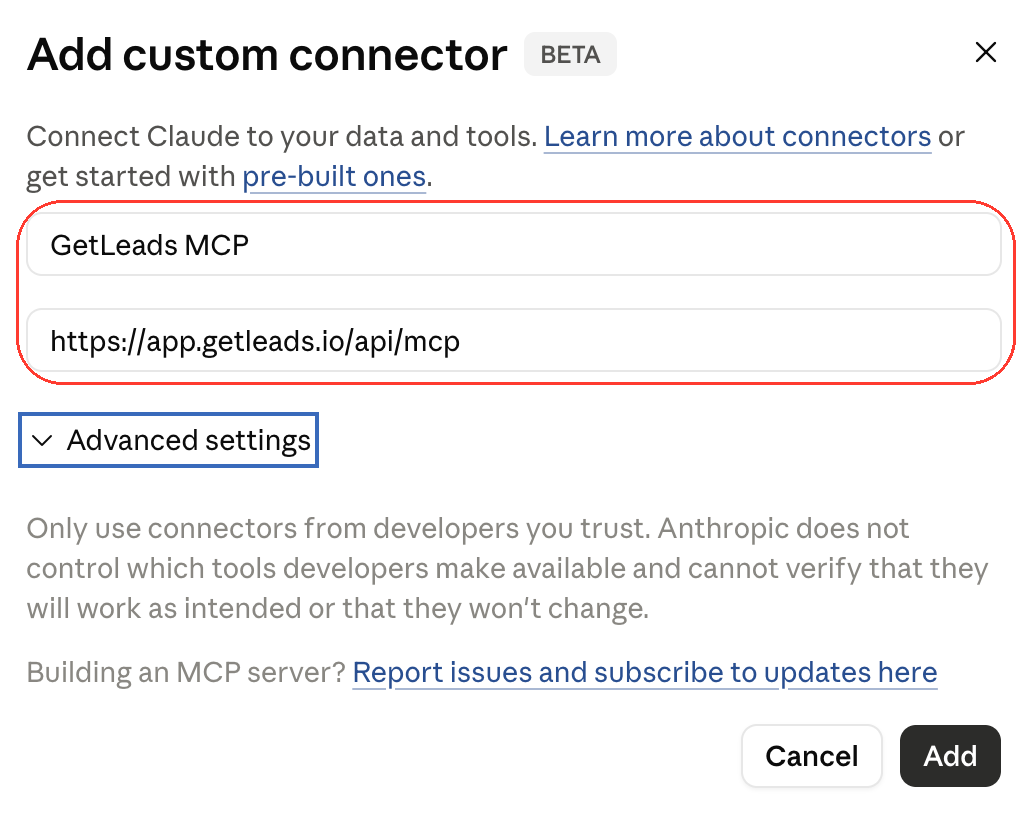
542M+ B2B contacts.
Start with 1,000 free credits. No credit card required.